No working codes were found in the August 5, 2026 live check.
This page says that clearly instead of listing fake rewards that waste your time, and the updates watch page tracks the refreshed Roblox update shell separately.
Updated 2026-08-05 - official Roblox update time, current Roblox event shell, code status, official links, visits, favorites, Roblox group size, and the live public Floor 2-9 badge snapshot
Find the best cafe layout, check whether an upgrade pays back fast, and avoid fake code lists before spending your cafe cash.
My Gaming Cafe Wiki is an unofficial fan-made resource. Roblox and Public WIFI are the official places for support, purchases, moderation, and updates.
Players are already searching for codes, latest updates, and events. No working code was found in the latest official refresh, and the Roblox event surface is still broad enough that players need a tracked update watch page.
This page says that clearly instead of listing fake rewards that waste your time, and the updates watch page tracks the refreshed Roblox update shell separately.
For this cafe tycoon, the useful tier list is about monitors, keyboards, boosts, PC parts, cash flow, and floor space.
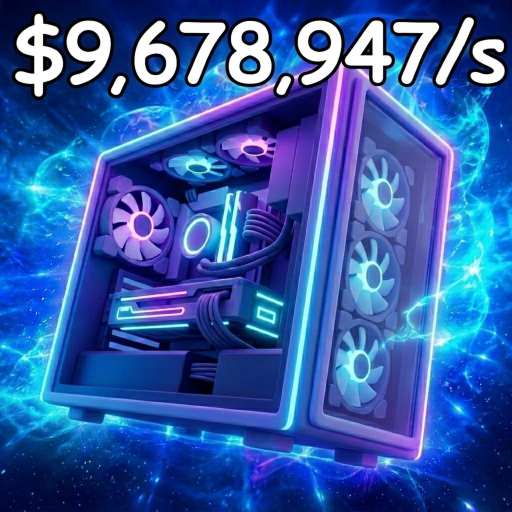
Player reports list it as a $200,000/min monitor target, so treat it as an endgame goal until you check it in-game.
A large multiplier is strongest when your cafe already has enough baseline income to make the boosted window matter.
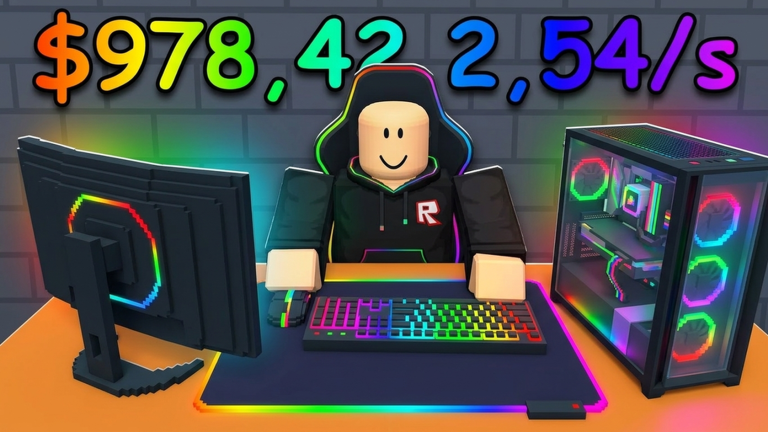
Player tables report $61,000/min, making it one of the strongest keyboard targets to look for.
Use these pages to decide what to buy, how to lay out the cafe, and when to save for the next floor.
Track the live final-floor badge, max-level intent, and missing creator-owned guidance.
LayoutCompare compact, spine, and zone layouts before rebuilding your cafe.
SetupBuild the next PC setup with part priorities, floor fit, and payback checks.
MoneyEnter cost and cash gain to see how fast an upgrade pays itself back.
FloorsCheck how far away the next floor feels based on your own cash per minute.
Update guideSee what PC parts and server customers mean for your next upgrade choice.
FreshnessTrack the current Roblox update wording, event title, and what is still missing.
RewardsCheck exclusive rewards, group benefits, and reward claims that still need proof.
SupportFix manager inventory, missing placement, and reported support issues without fake official steps.
LinksCheck whether the game has an official Trello, Discord, or wiki link.
SupportCheck reported script claims, missing official proof, and safer no-script options.
Start with setup, cash spending, floor expansion, the latest PC parts update, and the new event watch page.
Floors, PC parts, server customers, upgrades, decorations, and setup notes.
Use Roblox and creator-owned links first. Player videos and guide pages are helpful, but they should not replace the live game.
Official place to check the game title, creator, update text, and play button.
OfficialCreator group for My Gaming Cafe and possible future group rewards.
StatusShows whether official Trello or Discord links have been found.
RewardsTracks exclusive rewards wording, group benefits, and missing reward details.
UpdatesFollow the current Roblox update theme, event-title signal, and missing reward details.
ChecksOfficial links, gameplay notes, video search references, and script-status checks.
If there is no working code, the page says that clearly instead of padding the list with fake rewards.
The layout and payback calculators use the cash numbers you see in your own cafe.
Floor difficulty notes use Roblox badge counts instead of guesses about hidden requirements.
Verified Roblox wording, reported event titles, and still-missing reward details stay separated so update pages do not invent patch notes.
These searches are useful for seeing layouts, max-level goals, and beginner routes.
Useful for spotting Floor 9, max-level, and 100% completion phrasing before official details appear.
YouTubeUseful for seeing how other players arrange high-level cafes.
YouTubeBeginner walkthrough videos for the early cafe loop.
YouTubeUseful for seeing how players move from a starter cafe into a stronger setup.
YouTubeUseful for seeing player goals and floor/setup aspirations.
YouTubeCode videos are worth watching, but only use a code after it works in-game.
YouTubeUseful for spotting reward-guide, invite-friends, and exclusive-rewards phrasing.
YouTubeUseful for spotting manager-inventory, missing-placement, and support-style phrasing.
YouTubeUseful for spotting script and auto-spin phrasing, not for treating scripts as verified or safe.
Short answers for codes, layouts, upgrades, and the fan-made status of this site.
My Gaming Cafe Wiki is an unofficial fan site with codes status, best layout ideas, upgrade payback help, floor notes, PC parts, and tier-list guidance.
No. This is an unofficial fan-made resource. Use Roblox and Public WIFI-owned channels for official support, purchases, moderation, and account issues.
No working codes were found in the August 5, 2026 codes check. If a real code appears later, the codes page should list the reward and check date.
The official Roblox description was rechecked on August 5, 2026, and the latest Roblox metadata timestamp still sits at August 1, 2026 UTC while highlighting HUGE UPDATE, PC parts, server customers, floors, and upgrades. The Roblox event page still resolves with the generic title NEW UPDATE! - My Gaming Cafe! plus a broad changes-and-updates description, but a creator-owned patch-note or reward breakdown is still missing.
My Gaming Cafe is a tycoon-style game where players keep choosing between upgrades, PC parts, boosts, and new floors. Money and layout decisions matter even when there are no working codes.